


If your LEGO Shopify store gets traffic but not orders, the fix is almost never "more traffic." It's usually pricing that doesn't match the market, photos that don't build trust, and no plan for bringing buyers back a second time. I've watched sellers fix all three in a few weeks and see order volume double without spending a cent more on ads.
I've sold LEGO across eBay, Whatnot, Instagram, and BrickLink for years, and Shopify is the hardest of the bunch to get right because there's no built in audience. Every other platform hands you buyers who are already browsing LEGO. On Shopify, you have to bring them yourself. That's actually good news, because it means the fixes are mostly in your control.
- Price against real BrickLink and eBay sold data, not gut feel
- Use marketplaces like Whatnot and Instagram as traffic feeders into your Shopify store, not just standalone sales channels
- Photograph and describe LEGO the way a serious collector would want, including condition and completeness
- Build an email or text list so repeat LEGO buyers don't have to remember your store name
- Keep inventory turning over fast so your store never looks stale
Why Isn't Your LEGO Shopify Store Getting More Orders?
Most LEGO Shopify stores lose orders at three points: the price looks wrong compared to what a buyer just saw on eBay, the photos don't answer basic condition questions, and there's no reason to buy today instead of bookmarking the page and forgetting about it. In my experience, fixing the first two usually moves the needle faster than any traffic tactic.
Shopify doesn't come with a marketplace audience the way eBay or BrickLink do. That's the tradeoff for owning your own storefront and not paying a marketplace cut on every sale. It means a LEGO Shopify store needs a deliberate plan for both getting visitors and turning them into buyers, and most stores I've seen only work on one of those two things.
How Should You Price LEGO Listings So Shopify Visitors Actually Buy?
Price your LEGO listings against real sold data from BrickLink and eBay, not what similar stores are asking, since asking prices are often inflated and don't reflect what actually sells. From what I've seen, LEGO sells fast on liquid platforms when it's priced 30 to 50 percent under current market value, and buyers on your own Shopify store are just as price sensitive as buyers anywhere else.
BrickLink functions like the Wall Street of LEGO pricing data. I check completed listings there before I set a price anywhere, including on my own site, because guessing leads to sets sitting for months. brick'em's own LEGO collection value calculator is built for exactly this, pulling real pricing data so you're not manually cross referencing three tabs before every listing.
Heads up: This is not financial or legal advice. We're sharing what we've learned from the LEGO reselling community.
One thing I recommend against: pricing everything at a round number "because it looks clean." A $47 minifigure that's actually worth $47 will often outsell a $50 one that's really only worth $45, because serious LEGO buyers know the market well enough to notice.
Should You Sell Individual Minifigures, Sets, or Bundled Lots on Shopify?
Sell whatever converts fastest for your specific inventory, but minifigures tend to be the easiest starting point because they're small, easy to photograph individually, and buyers can search for exactly the character they want. Bundled lots work well for clearing bulk inventory, while sealed sets are better suited to buyers who are actively watching for a specific box.
I personally lean toward listing minifigures individually with clear names and themes rather than burying them in unsorted lots, because a Shopify visitor searching for a specific character wants to find that character, not sort through fifty photos to see if it's in there. Our LEGO minifigure database is useful here since it helps confirm the exact name and theme before you write a listing, which matters more for search traffic than people expect.
Bulk lots are still worth having on the store, especially if you're a reseller who buys mixed lots off Facebook Marketplace or estate sales. A seller I know built most of their early Shopify revenue on lot listings priced for quick turnover, then reinvested that cash into higher value minifigures once they had working capital.
What Makes LEGO Product Photos and Descriptions Convert on Shopify?
LEGO buyers who've been burned before care most about condition, completeness, and whether a figure or set matches official reference photos, so your listing needs to answer those three questions before the buyer has to ask. A blurry photo or a vague description is often the difference between an order and an abandoned cart on a $15 item.
I photograph every angle a buyer would want to check: front, back, any stickers or printing detail, and accessories laid out separately so nothing is ambiguous. For sets and CMF figures, I'll reference the official LEGO minifigures theme page to make sure I'm using the correct set name and figure description, since getting that wrong hurts both trust and search visibility.
| Listing element | Why it matters for Shopify conversion |
|---|---|
| Multiple angles per figure or set | Reduces "is this really in this condition" questions and returns |
| Accurate theme and character name | Improves on site search and Google indexing for that keyword |
| Condition notes (yellowing, cracks, missing pieces) | Builds trust with buyers who've been burned on other sites |
| Completeness callout for sets | Justifies price versus incomplete competing listings |
Can Whatnot and Instagram Actually Send Traffic to a Shopify Store?
Yes, both can feed traffic into a Shopify store if you use them as relationship builders rather than one off sales channels, since Whatnot and Instagram buyers who trust you will follow a link to check out overflow inventory you didn't have time to show live. I mention my Shopify store during Whatnot shows for anything I didn't get to, and it consistently pulls a few orders after every stream.
I started on Whatnot's LEGO category with a show that had about 10 viewers and did just over $500 in sales, which felt like a big deal at the time. I've since grown that into more than 3,000 followers and over $30,000 in sales in five months without ever showing my face on camera, and a chunk of that came from viewers who later bought things through my Shopify store that I didn't have time to feature live.
Instagram works differently. I noticed that with around 700 followers, I could post a single story and sell $700 worth of LEGO to three different buyers in about 20 minutes, largely because there's already trust built up. Use Instagram stories to point followers to new Shopify drops rather than expecting cold Instagram traffic to convert, since Instagram doesn't have the built in trust signals that a marketplace does.
Is Facebook Marketplace and eBay Traffic Worth Funneling Into Shopify?
eBay traffic is worth funneling into Shopify mainly for buyers who message you directly, since eBay's policies restrict pushing buyers off platform within a listing itself. I've sold over $100,000 in LEGO through eBay's LEGO minifigure category, and eBay remains one of the best places to move inventory fast, but promoted listings can push your effective take rate close to 25 percent once you add them in, which is worth remembering when you're deciding where to invest your best inventory photos and descriptions.
Facebook Marketplace is more useful as a sourcing channel than a Shopify traffic source in my experience. I regularly check Facebook Marketplace for people clearing out old LEGO, then relist the good pieces on Shopify and other channels after cleaning and sorting. When I do meet local sellers or buyers, I stick to public, well lit locations, since safety matters more than saving a few minutes of driving.
Mercari is worth testing too if you haven't. I've had decent luck listing overflow minifigures on Mercari's LEGO minifigure search as a secondary channel, and it's another place to mention your Shopify store to buyers who ask about additional inventory.
How Do You Use Email and Text Marketing to Get Repeat LEGO Orders?
Set up an email or SMS capture at checkout and send a simple restock or new drop message every one to two weeks, since LEGO buyers who bought once are the cheapest orders you'll ever get and most stores never ask them to come back. Industry wide, cart abandonment on ecommerce sites runs around 70 percent, and a good chunk of that is recoverable with a single automated reminder email.
In my experience, a short "just restocked" email with three or four photos outperforms a long newsletter every time. Buyers who collect LEGO minifigures want to know what's new, not read a store history. I recommend segmenting your list by theme interest if your platform supports it, since a Star Wars collector and a Ninjago collector don't want the same email.
Is Paid Advertising Worth It for a Small LEGO Shopify Store?
Paid ads can work, but I'd start with retargeting visitors who already looked at your Shopify store before spending on cold traffic, since a warm visitor converts far more cheaply than someone who has never heard of you. I personally spend around $20 per Whatnot show on boosted promotion near the start of a stream, and that's a useful benchmark for how little a small budget needs to be to move the needle when it's aimed at a warm-ish audience.
Cold ads for a brand new LEGO Shopify store are usually the last lever I'd pull, not the first. Build some organic proof first through Whatnot, Instagram, or eBay reviews, then use a small retargeting budget to bring browsers back before you spend real money trying to acquire strangers cold.
How Do You List LEGO Inventory Fast Enough to Keep Your Shopify Store Stocked?
The biggest bottleneck for most LEGO Shopify stores isn't traffic, it's how long it takes to identify, price, and photograph inventory before it can go live. I found that the single biggest time sink in my own business was sorting and identifying bulk minifigure lots by hand, which is exactly the workflow brick'em was built to speed up.
If you're buying bulk lots or incomplete sets to restock, our haul calculator helps you figure out whether a lot is actually worth the asking price before you buy it, and brick'em's bulk scanning tools help identify and price large groups of figures fast so you can get new inventory live on Shopify the same day instead of a week later. Incomplete sets are worth grabbing too. Missing pieces can be sourced through BrickLink stores rather than treated as a loss, since a set that's 90 percent complete is usually still sellable once it's finished out.
Check out more reseller breakdowns like this one on the brick'em blog, and if you're serious about turning this into a repeatable business, signing up for brick'em is the fastest way to stop manually cross referencing BrickLink, eBay, and BrickEconomy every time you price a new listing.
Frequently Asked Questions
Do I need a huge following before my Shopify orders start coming in?
No, but you do need a reason for people to find the store at all. In my experience, a small consistent audience on Whatnot or Instagram, even a few hundred engaged followers, sends more Shopify orders than a store with zero outside traffic sitting and waiting to be discovered organically.
Is Shopify or a marketplace like eBay better for selling LEGO?
They serve different purposes rather than competing directly. eBay and BrickLink bring built in buyer traffic but take a cut and follow their own rules, while Shopify keeps more margin per sale but requires you to bring your own visitors through other channels first.
How many photos should each LEGO minifigure or set listing have?
Plan for at least three to five photos per listing covering front, back, and any printing or sticker detail, plus a separate photo of accessories. I've noticed listings with fewer photos get more "is this complete" questions, which slows down the sale and adds buyer doubt.
Should I offer free shipping on my LEGO Shopify store?
Free shipping above a minimum order value tends to increase average order size without eating too much margin, since buyers often add a second small item to clear the threshold. I recommend testing a threshold around your average order value first rather than offering free shipping on everything from day one.
What Do These LEGO Selling Platforms Look Like?
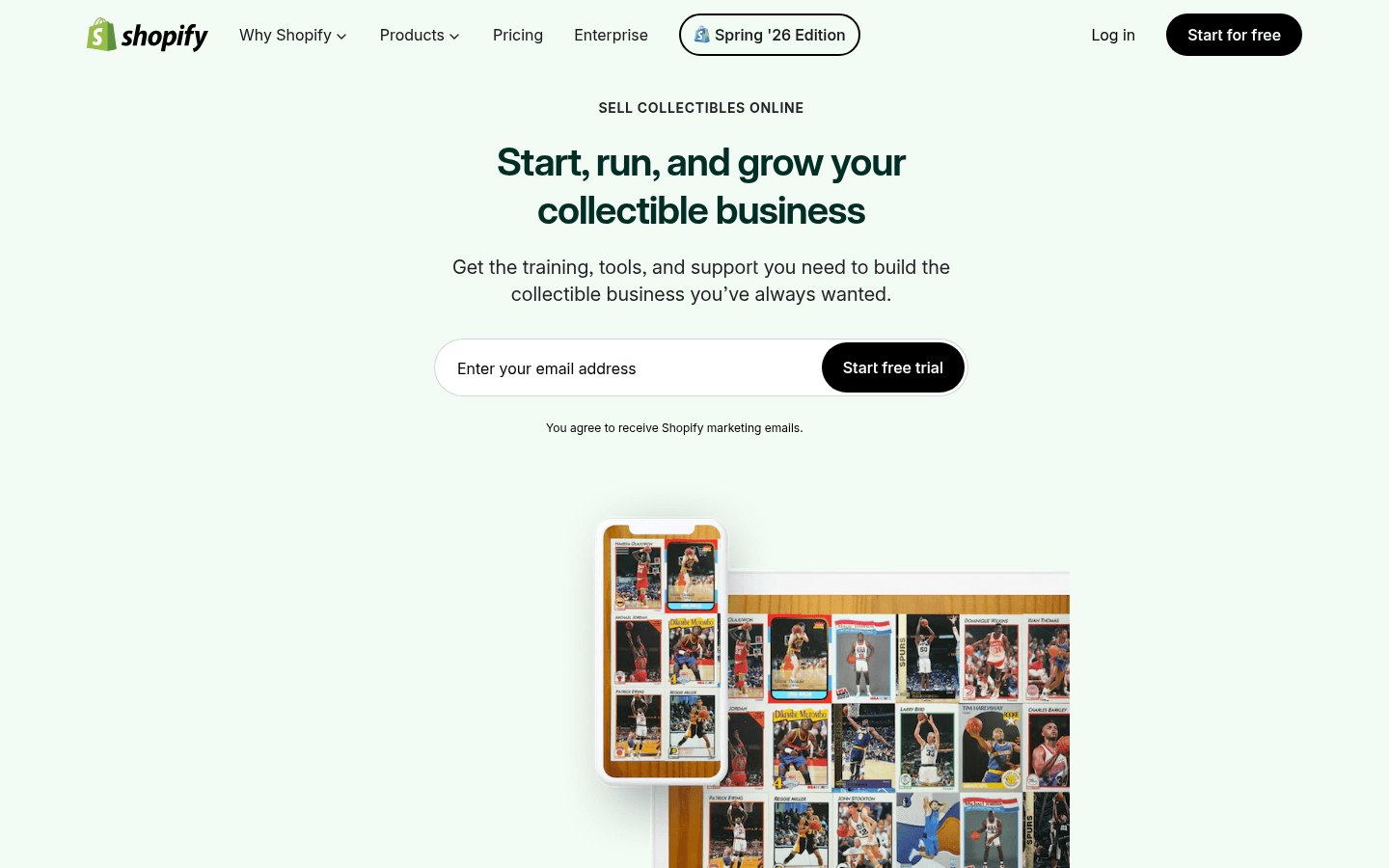
Before choosing where to sell, it helps to see the difference between a live-selling marketplace, a broad search marketplace, a LEGO-native catalog, and a social or local channel. These screenshots are visual references only. Platform interfaces, fees, and rules can change.
CTA(Identify%20and%20Price%20100%2B%20Figures%20With%20One%20Pic).png)

