brick'em
ChromeChrome Extension

LEGO Scanner Chrome Extension

Identify LEGO minifigures and check BrickLink prices on eBay, BrickLink, Facebook Marketplace, and any webpage. Free to install. 18,000+ figures.

ChromeAdd to Chrome — It's FreeAlso works on Brave, Edge & Opera
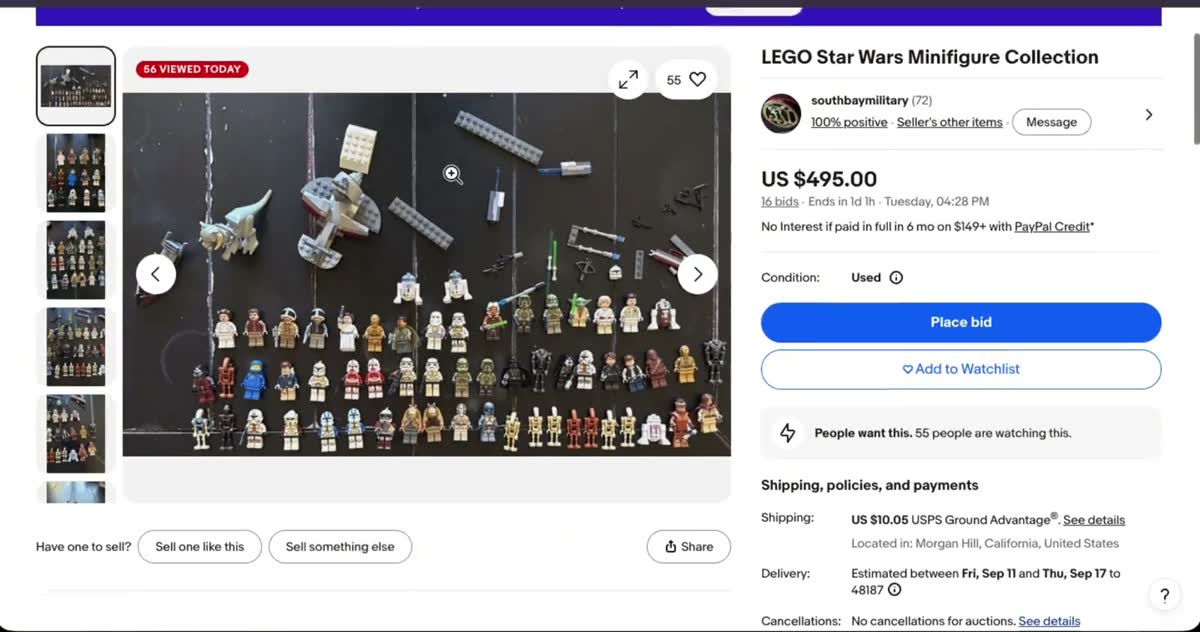
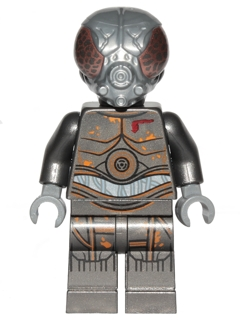
brick'em Chrome extension scanning a LEGO minifigure

Works everywhere you shop for LEGO

Scan minifigures on any of these platforms and more

eBayeBay
BrickLinkBrickLink
FacebookFacebook
MercariMercari
WhatnotWhatnot
BrickOwlBrickOwl
ShopifyShopify
eBayeBay
BrickLinkBrickLink
FacebookFacebook
MercariMercari
WhatnotWhatnot
BrickOwlBrickOwl
ShopifyShopify
eBayeBay
BrickLinkBrickLink
FacebookFacebook
MercariMercari
WhatnotWhatnot
BrickOwlBrickOwl
ShopifyShopify

Everything you need to price LEGO while you browse

Scan From Any Webpage

Open the side panel and draw a box around any LEGO minifigure on eBay, BrickLink, Facebook Marketplace, Reddit, or any website.

Instant Identification

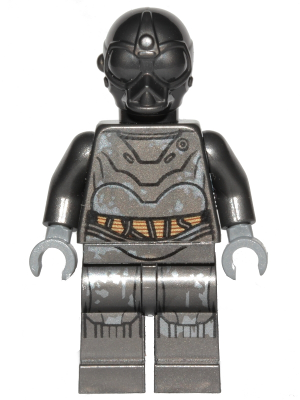
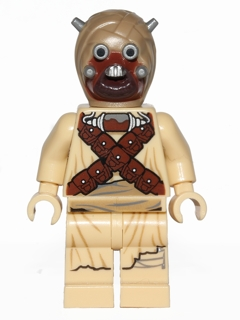
AI recognizes the minifigure and returns the name, BrickLink ID, and image match from a catalog of 18,000+ figures.

Live BrickLink Prices

See average used and new prices pulled from BrickLink market data. Know what a figure is worth before you bid or buy.

Bulk Scan Mode

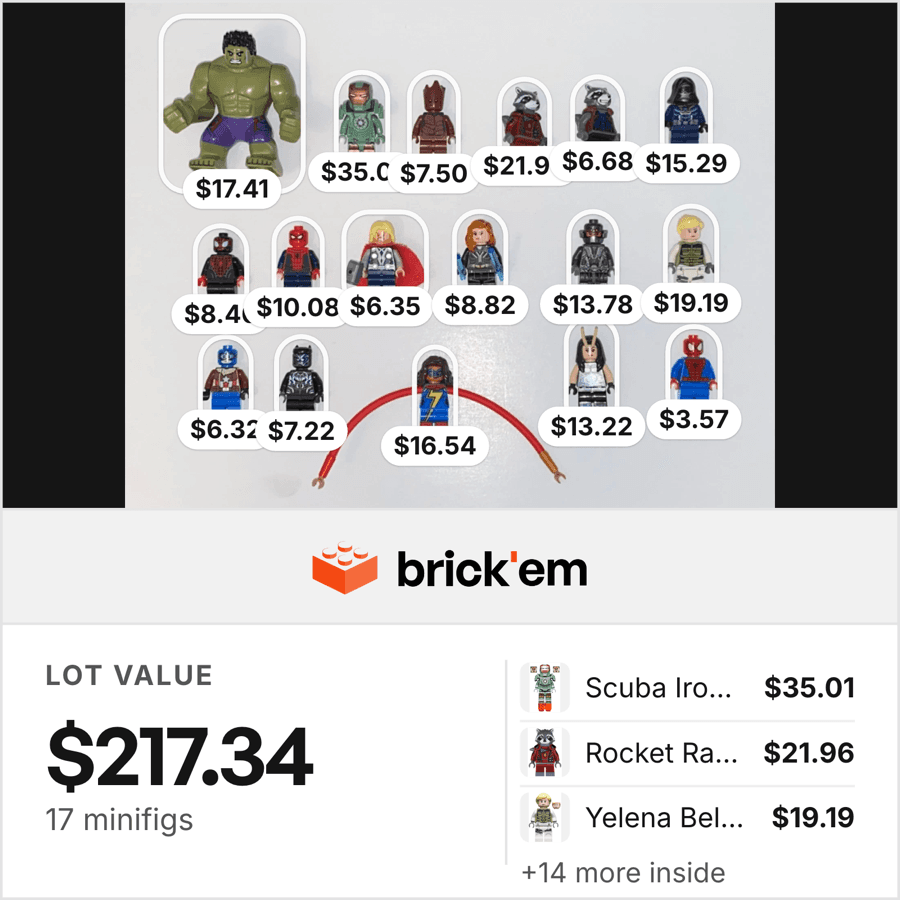
Draw a selection over multiple figures on a page. The extension detects each one and returns prices for all of them at once.

Save to Inventory

Add scanned figures directly to your brick'em inventory with one click. Choose which collection to save to.

Works With Your Account

Sign in with your brick'em account. Scans, inventory, and pricing data sync across the extension, web app, and mobile app.

How it works

1

Install the extension

One click from the Chrome Web Store. No configuration.

2

Open the side panel

Click the brick’em icon in your browser toolbar to open the scanner.

3

Draw a box around a figure

Select any minifigure image on the page. Works on photos, listings, and thumbnails.

4

Get instant results

The name, BrickLink ID, and current market price appear in the side panel.

Loved by 200+ LEGO sellers

brick'em is rated 4.9/5 by resellers on Whatnot, eBay, and BrickLink

Chrome Web Store5.0/5
brick'em

Start scanning from your browser

Free to install. Identify minifigures and check prices on any webpage in seconds.

ChromeAdd to Chrome — It's Free

Frequently asked questions

brick’em is a free LEGO Chrome extension that identifies minifigures and shows BrickLink market prices on any webpage. It works on eBay, BrickLink, Facebook Marketplace, and any site with LEGO images. It recognizes over 18,000 minifigures and supports both single and bulk scanning.

Yes. The brick’em Chrome extension lets you draw a box around any LEGO minifigure image while browsing and instantly see its BrickLink average price for both used and new conditions. It works on eBay listings, BrickLink stores, Facebook Marketplace, Mercari, Reddit, and any other website.

Yes. The extension is free to install from the Chrome Web Store. A free brick’em account is required to sign in. Free accounts include scan credits. Paid plans unlock higher scan limits and bulk scanning mode.

Install the brick’em Chrome extension, open the side panel, and draw a box around the minifigure in any image on any webpage. The AI identifies the figure from a catalog of 18,000+ minifigures and returns the name, BrickLink ID, and current market price in seconds.

The extension is built for Google Chrome and works on any Chromium-based browser including Brave, Microsoft Edge, and Opera. Firefox support is planned for a future release.

Yes. The bulk scan mode lets you draw a selection over a photo with multiple figures. The extension detects each individual minifigure, identifies them all, and returns prices for every figure in the image.

Yes. The extension works on eBay listings, BrickLink stores, Facebook Marketplace, Mercari, Whatnot, Reddit, and any other website. You can scan any LEGO image on any webpage without leaving the page.

The brick’em web and mobile apps require uploading or capturing a photo. The Chrome extension works directly on images you’re already browsing, so you can check prices on eBay or BrickLink without switching apps or taking screenshots.