





- Saved on your phone
- Backed up on our servers
- Export it at any time
Every detail in your hands.
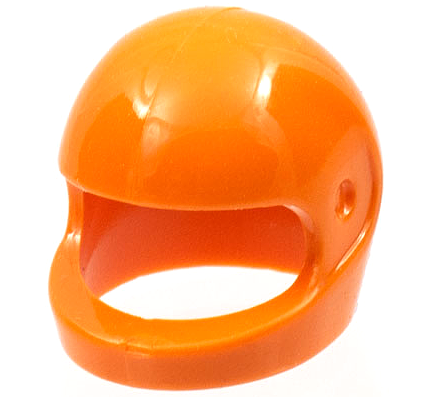
- Picture, name and BrickLink ID
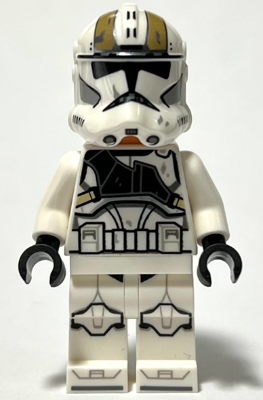
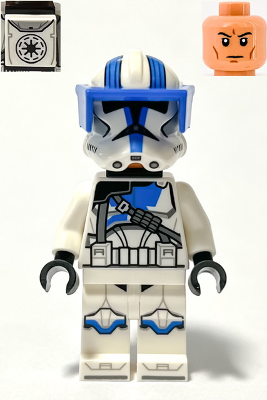
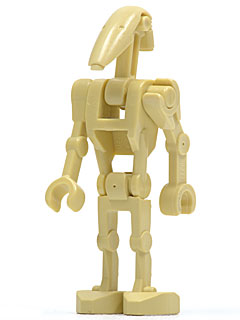
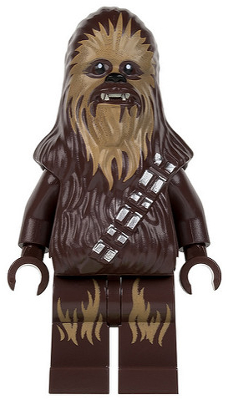
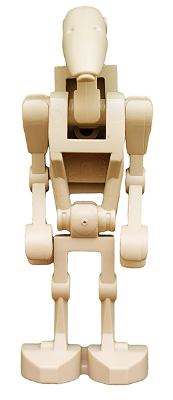
The exact catalog match, figure or part.
- Used and new price, live
The 6-month BrickLink sold average, on every item.
- Condition
Used and new are separate lines, each priced on its own.
- Color
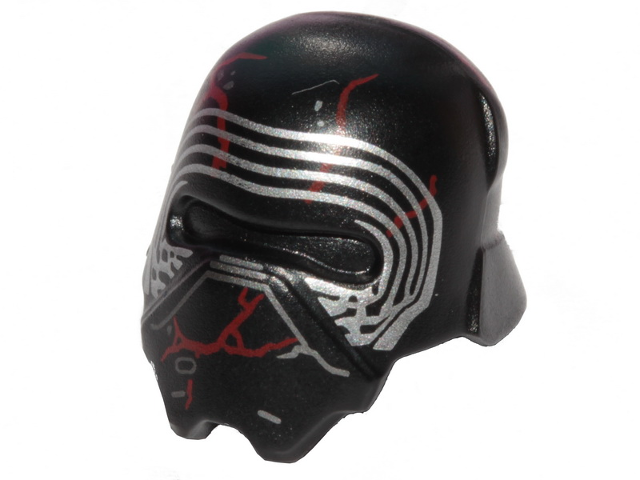
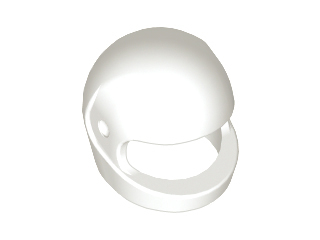
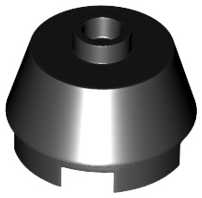
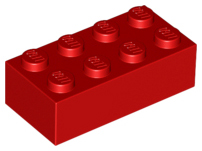
Pick the color your part is. Each color has its own price. This helmet is $0.08 in white and $12 in orange.
- Your price and quantity
Use the market price or type in your own. Then set how many you have.
- SKU or barcode(Optional)
Your own code on every item, typed or scanned.
Add LEGO in three ways.
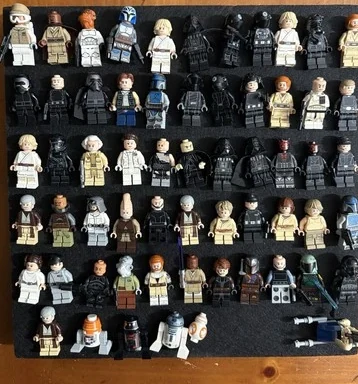
One photo of a single figure or a pile of 100+ figures and parts. Add any item to your inventory identified and priced.
Learn more →Type a name or BrickLink ID, pick the figure or the part in its color, set quantity and condition.
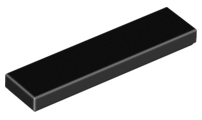
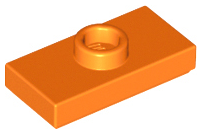
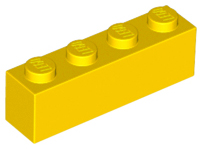
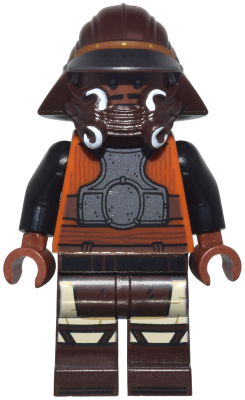
Drop a BrickLink, BrickStock, BrickStore, Rebrickable or CSV file. Every item comes in exactly as you had it, matched to the catalog and priced. Nothing gets renamed or retyped.
Easily import your inventory.
Drop in your BrickLink, BrickStock or spreadsheet file. Nothing gets retyped.
- BrickLink store inventory and wanted-list XML
- BrickStock and BrickStore BSX
- Rebrickable collection CSV
- Any spreadsheet saved as CSV, as long as it has an ID column
- Not sure your columns fit? Item ID, color, quantity and condition are found automatically, whatever they're called
Transfer today and start earning more.
Transfer your inventory today



“I've tried a few different apps for identifying and tracking LEGO minifigures, and this is by far the best one... I love how it instantly shows current market values and makes it easy to keep track of my collection.”