
Three easy steps.
The Data Matrix code sits on the bottom of every CMF box, next to the barcode.
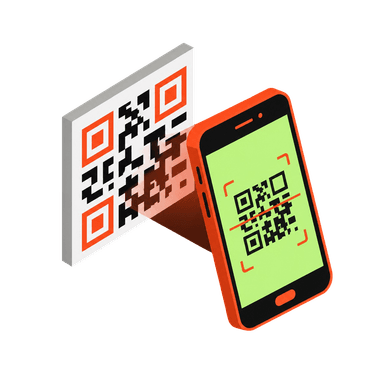
Open the QR scanner in the brick'em app. Fit the code in the frame and it reads on its own. Keep going, box after box.
Figure name, series, and factory region, with the average new price from the BrickLink 6-month sold average. Add the whole stack to inventory in one tap.
Boxes ended the squeeze test.
Since Series 25 in 2024, Collectible Minifigures ship in sealed boxes. No feeling for a cape, no weighing a bag. The code on the bottom is the only tell, and the app reads it.
- Squeeze the bag for a hat or a sword
- Weigh it on a kitchen scale
- Boxes give nothing away
- Point the camera at the bottom of the box
- Name, series, and factory region on screen
- BrickLink price before you open it
Every current series. Both factories.
Boxes from the Mexico factory (R codes, North America) and the Czech Republic factory (S codes, Europe) carry different Element IDs for the same figure. The scanner knows both.
Sort a whole case. Add it all at once.
Each scan drops a row into the tray. Duplicates stack with a count and the total runs at the top. When the case is done, one tap adds the stack to the inventory you pick.
- Duplicates stack with a quantity, not a new row
- Running total of the average new price
- Pick the inventory, then Add all
- Reset and start the next case

“I’ve tried a few different apps for identifying and tracking LEGO minifigures, and this is by far the best one. The scanner is incredibly fast and accurate, even with older or more obscure figures.”
Questions sellers ask.
Know before you open.
The QR scanner is in the brick'em app for iPhone and Android.