Free LEGO minifigure scanner & identifier
Identify any LEGO minifigure or part from a photo. Get the BrickLink ID, name, and average price instantly.
Scan 100+ figures at once.
brick'em identifies every figure, pulls current BrickLink prices, and gives you a total value in seconds.
Start scanning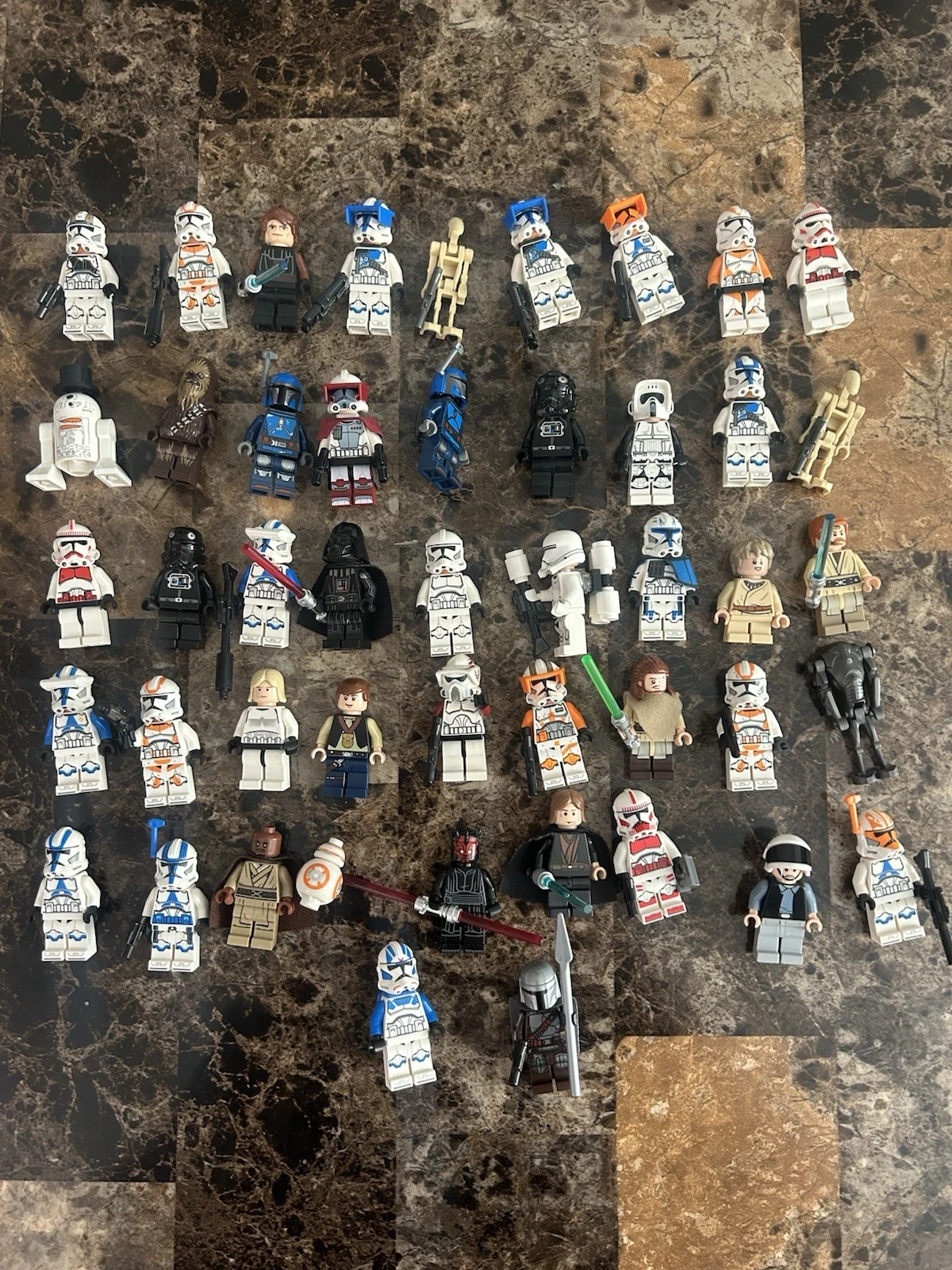
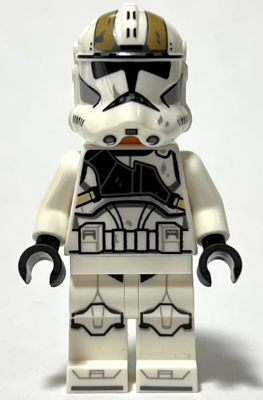

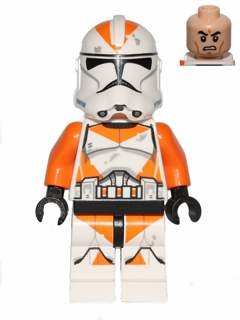
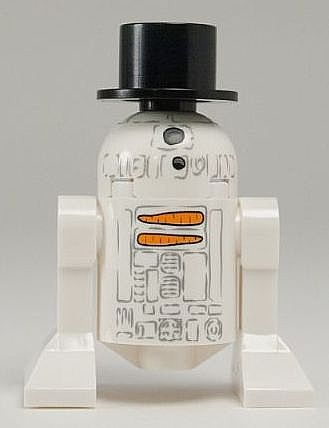
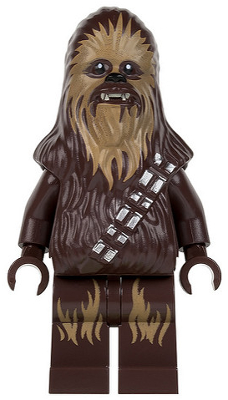
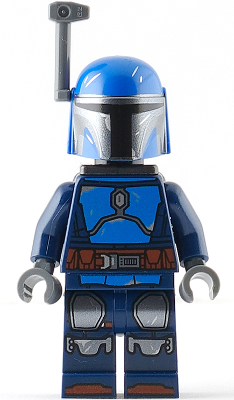
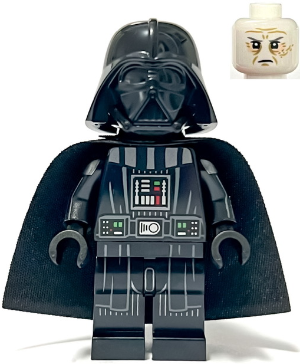
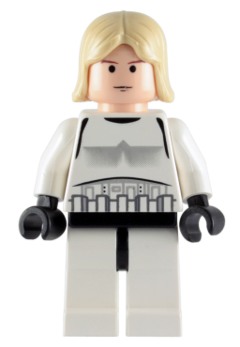
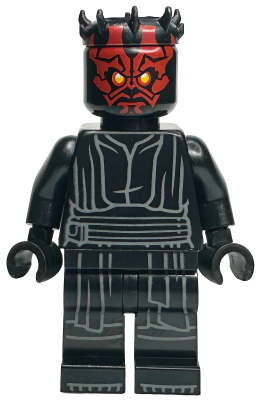

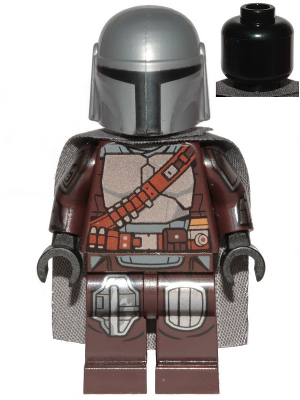
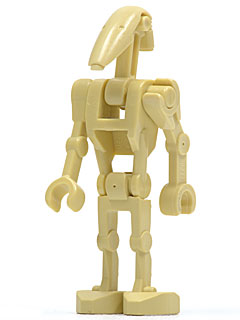
How to identify LEGO minifigures from a photo


How we compare
Frequently asked questions
Is the scanner really free?
Yes. The scanner on this page is completely free, no account required. Bulk scanning, 100+ minifigures in a single photo, comes with a brick’em account. Every account starts with a 14-day free trial, cancel anytime.
How accurate is the identification?
Our scanner uses the Brickognize AI model trained on tens of thousands of LEGO minifigures and parts. For clear, well-lit photos of standard minifigures, accuracy is typically above 90%. Custom or modified figures may return lower confidence results.
Where do the prices come from?
Prices are sourced from BrickLink, the largest LEGO marketplace in the world. We show average used prices, min/max ranges, and average new prices when available. Prices are updated regularly to reflect current market conditions.
What is bulk scanning?
Bulk scanning lets you photograph 100+ minifigures in a single photo and identify them all at once. Our AI detects individual figures, identifies each one, and returns prices for the entire group. It saves hours compared to looking up figures one by one.
Can I scan LEGO parts too?
Yes. The scanner tells minifigs and parts apart automatically. Photograph any LEGO brick, plate, tile, or specialty element and it identifies the part number and returns BrickLink pricing data. No mode to pick.
How do I get the best results?
Use good, even lighting with no harsh shadows. Place the figure face-up on a plain background. For minifigures, an overhead shot of the figure standing upright works best. Draw a tight box around just the figure you want to identify.
Price 100 minifigs in one photo.
Put the scanner in your pocket. 14-day free trial.