


You should reprice your LEGO inventory on a rolling basis, not on a fixed calendar. In my experience, the sellers who do best check their highest-value minifigures and sets every one to two weeks, mid-tier inventory once a month, and everything else once a quarter. Reprice sooner when a theme gets hot (a new movie, a retired set, a Whatnot trend) and slower for stable, low-turnover parts.
Most sellers either never touch their prices after listing or obsessively reprice everything daily. Both are a waste of time. I've run inventory across BrickLink, eBay, and Whatnot for years, and the sellers who make the most money treat repricing like triage: fix what's actually moving the needle first, and leave the rest alone.
Key takeaways:
- High-value minifigures and sealed sets: reprice every 1 to 2 weeks.
- Mid-tier inventory: reprice monthly.
- Low-value bulk parts: reprice quarterly, or when you notice stale listings.
- BrickLink is the pricing backbone most sellers check first, since it functions as the Wall Street of LEGO for sold data.
- A repricing routine should be a checklist, not a guessing game.
Why does LEGO inventory even need repricing?
LEGO inventory needs repricing because the secondary market moves constantly: sold comps shift, retired sets get harder to find, and demand spikes around movies, anniversaries, or a theme trending on Whatnot. A price that was fair three months ago can be 20 to 30 percent off from where the market actually sits today.
I noticed this firsthand the first time I let a shelf of minifigures sit untouched for about six months. When I finally pulled updated BrickLink sold data, a handful of figures had moved up enough that I'd been leaving real money on the table, and a few others had drifted down because a restock or a bulk lot had hit the market. Static pricing assumes a static market, and the LEGO secondary market is anything but static.
How often should you reprice high-value LEGO minifigures?
High-value minifigures, generally anything selling for $30 or more, deserve a repricing check every one to two weeks. These are the items where a 10 to 15 percent swing in sold comps actually changes your bottom line in a meaningful way, and they're also the items most likely to get chased by rare-item hunters watching BrickLink and BrickEconomy closely.
In my experience, a seller I know who focuses almost entirely on Star Wars and Ninjago minifigures reprices his top 50 pieces every Sunday night before the week's Whatnot shows. That single habit, done consistently, matters more than any other pricing tactic he uses. Minifigures carry story and character value on top of plastic value, which is exactly why they move faster than generic parts.
What about mid-tier sets and bulk inventory?
Mid-tier sets and moderate-value inventory, roughly $10 to $30 per item, hold up well with a monthly repricing pass. This tier moves slower because demand is broader but less urgent, so daily or weekly checks mostly waste time you could spend sourcing or listing new inventory.
I personally batch this work on the first weekend of the month. I pull my BrickLink store report, sort by days-listed, and reprice anything that's been sitting for 45 days or longer against current sold data. Bulk lots and part-out inventory, the cheapest tier, only need a true reprice once a quarter unless something in the pile turns out to be rarer than expected.
Should you reprice differently by platform?
Yes, you should reprice differently by platform because BrickLink, eBay, and Whatnot reward different pricing behavior. BrickLink rewards precision against real sold comps since buyers there are price-sensitive collectors and builders. eBay and Whatnot reward a bit more flexibility because impulse buyers and live-show audiences respond to presentation and urgency as much as the exact number on the tag.
| Platform | Reprice cadence | Why |
|---|---|---|
| BrickLink | Every 1 to 2 weeks for top items, monthly for the rest | Buyers compare sold data closely; BrickLink is the market standard for LEGO pricing |
| eBay | Monthly, or when a listing stalls past 30 days | Fee pressure from promoted listings can push take rate close to 25 percent, so pricing has to account for margin, not just comps |
| Whatnot | Live, show by show | Prices are set in real time during a show and can move with buyer energy in the room |
| Facebook Marketplace | As needed, since haggling replaces formal repricing | Buyers expect to negotiate, so posted price is a starting point, not a final number |
From what I've seen, sellers who try to run one pricing cadence across every platform end up either overpriced on BrickLink or underpriced on Whatnot. The cadence has to match how each marketplace actually behaves.
What signals mean it's time to reprice sooner?
The clearest signals are a listing sitting unsold for 30 or more days, a theme suddenly trending (a new movie trailer, a retiring set announcement, a viral Whatnot moment), or a noticeable jump in BrickLink sold volume for an item you're holding. Any one of those is a reason to check pricing outside your normal schedule.
- Listing age past 30 days with zero views or watchers
- A set gets marked retiring or retired on LEGO.com
- A related movie, show, or anniversary is announced
- You notice a competitor's identical item sell multiple times in a short window
- You acquire a large new lot and need a baseline price before listing
I learned this the hard way with a batch of Marvel minifigures I'd priced and forgotten. A show announcement bumped demand, and I only caught it because I happened to check BrickEconomy for an unrelated figure and noticed the whole theme trending. Now I keep a rough watchlist of themes I sell in and skim it weekly.
How do you actually reprice without spending all day on it?
The fastest way to reprice without losing a full day is to work in tiers, using a saved BrickLink search or export sorted by listing age, and only opening items that fall outside your expected price band. I recommend setting a rule, and running new lots through the LEGO investment calculator for a baseline first: if an item's current price is within 10 percent of the median sold comp, leave it alone. If it's outside that band, update it.
When I sort through a fresh haul, I run it through a haul calculator first to get a quick baseline, then look at total sold volume alongside the sold price. An item with a high median price but only two sales in six months is a different repricing decision than an item with the same median price and thirty sales a month. Volume tells you how confident to be in the number.
Does repricing too often hurt your listings?
Yes, repricing too often can hurt your listings because frequent price changes reset a listing's age and visibility signals on some platforms, and it can make your store look erratic to repeat buyers who track your prices. I recommend against touching the same item's price more than once every one to two weeks unless a specific event, like a retirement announcement, justifies it.
In my experience, buyers who collect a specific theme do notice when a seller's prices swing wildly week to week. It erodes trust in a way that's hard to earn back. Steady, evidence-based repricing on a known schedule builds more long-term buyer confidence than reactive daily changes.
How does condition affect repricing decisions?
Condition matters because a reprice should never just chase the median sold price without accounting for your specific item's condition, completeness, and packaging. A minifigure with cracked paint or a missing accessory needs to be priced below the comp average, while a mint, complete figure with original accessories can justify pricing at or above it.
Damaged and dirty inventory is a category a lot of sellers overlook entirely, but it's worth a second look during a repricing pass. A figure that looks rough can sometimes be cleaned and completed with a replacement part sourced on BrickLink, and checking it against the minifigure database first tells you exactly what "complete" should look like before you decide on a price.
Heads up: This is not financial or legal advice. We're sharing what we've learned from the LEGO reselling community.
Should you track repricing across your whole inventory or just top performers?
You should track repricing across your whole inventory, but weight your attention toward top performers. A simple spreadsheet or inventory tool that flags listing age, category, and last-reprice date lets you see stale items at a glance instead of manually scrolling through hundreds of listings every time you sit down to work.
This is really an inventory management problem as much as a pricing problem. If you don't know what you have, where it's listed, and when you last touched the price, repricing turns into guesswork. Treating your LEGO collection as trackable inventory you can value at a glance, the way you'd manage stock for any other small business, is what actually makes a repricing cadence sustainable instead of a one-time cleanup you do twice a year.
Frequently Asked Questions
How often should I reprice LEGO minifigures on BrickLink specifically?
Check your highest-value minifigures every one to two weeks against current BrickLink sold data, since BrickLink functions as the pricing backbone for the LEGO secondary market. Mid-tier and low-value figures can wait for a monthly or quarterly pass, unless a specific theme starts trending or a listing sits unsold for over 30 days.
Is it bad to reprice LEGO listings too frequently?
Yes, repricing too frequently, more than once every one to two weeks per item without a clear reason, can hurt listing visibility on some platforms and make repeat buyers distrust your pricing. Stick to a known cadence and only reprice off-schedule when a real signal, like a retirement announcement or a sales spike, justifies it.
Should bulk LEGO lots be repriced the same way as individual minifigures?
No, bulk lots and part-out inventory generally only need a full reprice once a quarter, since they're lower value per item and demand shifts more slowly. Individual high-value minifigures and sealed sets need much tighter attention, ideally every one to two weeks.
What tools help track when LEGO inventory needs repricing?
An inventory tracker that logs listing age, last-reprice date, and category lets you flag stale listings at a glance instead of manually reviewing everything. I use a simple sort by listing age combined with BrickLink sold data as my baseline for deciding what actually needs attention this week.
Does the LEGO theme affect how often I should reprice?
Yes, faster-moving themes like Star Wars, Ninjago, and Marvel deserve more frequent checks because sold volume and demand shift quickly, while slower themes like Harry Potter or City can go longer between reprices since liquidity is lower to begin with. Match your repricing frequency to how liquid the theme actually is, not just its price point.
If you want a faster way to keep your whole collection organized and priced without doing it all by hand, create a free brick'em account and start building a repricing habit around real data instead of guesswork.
What Do These LEGO Selling Platforms Look Like?
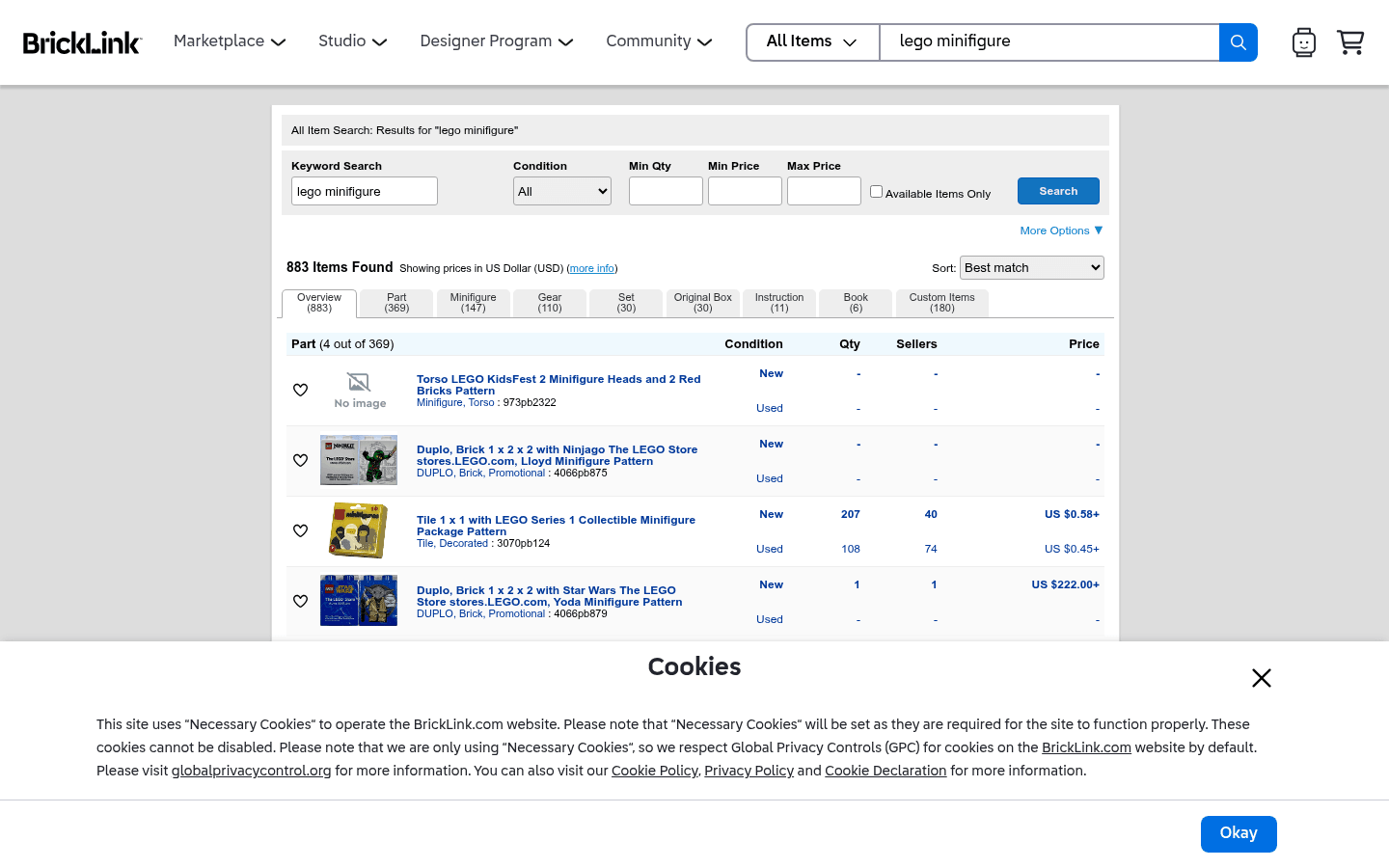
Before choosing where to sell, it helps to see the difference between a live-selling marketplace, a broad search marketplace, a LEGO-native catalog, and a social or local channel. These screenshots are visual references only. Platform interfaces, fees, and rules can change.
.png)

