


Batch listing LEGO minifigures means photographing, identifying, pricing, and publishing a whole group of figures to multiple marketplaces in one focused session, instead of listing them one at a time as you find them. The direct answer is that you save time by separating the "identify and price" step from the "post to each platform" step, then using consistent naming, condition notes, and pricing across BrickLink, eBay, Whatnot, and Mercari so you are not starting from scratch on every site.
In my experience, the sellers who burn out fastest are the ones who list minifigures the moment they open a lot. I've found that batching even twenty or thirty figures at once, then listing them all in one sitting, cuts total listing time by more than half compared to listing each figure as a one off. This guide walks through the exact workflow I use and recommend to other resellers, from sorting a bulk lot to publishing across every platform you sell on.
- Sort and photograph figures in batches before you start listing anywhere
- Use one pricing pass across all platforms instead of repricing per site
- Keep a master spreadsheet or tool so you never duplicate a listing
- Match your description template to what buyers on BrickLink, eBay, Whatnot, and Mercari actually expect
- Build in a review step so mistakes get caught before you publish, not after
What Does Batch Listing LEGO Minifigures Actually Mean?
Batch listing means grouping your identification, pricing, and photography work for many minifigures into one session, then publishing those listings to several marketplaces back to back instead of finishing one figure at a time. It turns a repetitive, stop start task into an assembly line, which is the only way listing hundreds of figures stays sustainable.
When I sort a new bulk lot, I never let myself list a figure the moment I identify it. It's tempting, but stopping to write a full listing every time breaks your rhythm. Instead I separate the work into stages: sort and clean, identify and grade condition, price, photograph, then publish. Each stage gets faster once you are only doing that one task across the whole pile.
Why Do Multi-Platform LEGO Resellers Need a Batch Workflow?
Resellers who sell across BrickLink, eBay, Whatnot, and Mercari need a batch workflow because each platform has different listing formats, fee structures, and buyer expectations, and re-entering the same figure four separate times multiplies your workload for no extra sales. A repeatable batch process keeps that overhead from eating your margin.
I've sold over $100,000 worth of LEGO on eBay over the years, and the biggest lesson from that volume is that fees compound fast if you're not organized. eBay's standard final value fee runs around 13.25% for most categories, and once you layer promoted listings on top, your total take rate can climb close to 25% of the sale price. BrickLink and Mercari tend to run leaner, with BrickLink's payment processing landing closer to 3% and Mercari charging around 10% per sale. When you're paying that much just to get eyeballs on a listing, you cannot afford to waste hours re-writing the same description on four different sites.
Heads up: This is not financial or legal advice. We're sharing what we've learned from the LEGO reselling community.
What Do You Need Before You Start Batch Listing?
Before you batch list anything, you need a clean, well lit photo setup, a way to identify each minifigure accurately, a pricing source you trust, and a place to track what's been listed where, otherwise you will duplicate work or double sell the same figure. Getting these four pieces in place first is what makes the rest of the process fast instead of chaotic.
- A flat, well lit surface or lightbox for consistent photos
- An identification method for names, themes, and years, not just guesses
- A pricing reference you trust, ideally tied to recent sold data
- A spreadsheet or inventory tool to track what is listed where
- A condition grading habit you apply the same way every time
- A block of uninterrupted time, since batching only saves time if you don't stop and start
How Do You Identify and Photograph Minifigures in Bulk?
The fastest way to identify and photograph minifigures in bulk is to separate the two tasks: photograph every figure first against the same background, then work through identification afterward using those photos, rather than stopping to research each one individually as you shoot it. This keeps your hands moving during the physical part of the job.
I personally lay out figures in small groups of ten to fifteen, snap photos of each one from the front, then move to the next group. Once photography is done, I go through and identify theme, character, and year for each figure. This is where cross-checking against a LEGO minifigure database saves real time versus looking up each figure one by one.
How Do You Price Minifigures Consistently Across Platforms?
Consistent pricing across platforms starts with one master price per figure based on recent sold data, then small platform specific adjustments instead of pricing from scratch four times. BrickLink is generally treated as the most reliable reference point for LEGO pricing since so many sellers and buyers transact there daily.
In my view, BrickLink functions like the Wall Street of LEGO. It's where I check pricing first, then I adjust up slightly for Whatnot, where a good show and engaged audience can get figures 30% or more above typical market price, and I adjust down slightly for eBay, where buyers respond best to listings priced 30 to 50% under market. Mercari tends to land somewhere in between the two. If you're unsure what a figure is currently selling for, always verify recent sold listings yourself before you price it. A LEGO collection value calculator can give you a starting estimate, but current sold data should always have the final say.
What's the Best Way to Format Listings for Each Platform?
The best format for each platform matches how buyers actually browse there: BrickLink rewards precise part and condition data, eBay rewards clear titles and generous photos, Whatnot rewards a strong visual presentation for live viewers, and Mercari rewards simple, buyer friendly descriptions. Using one master description and trimming it for each platform is faster than writing four unique ones.
| Platform | What Buyers Expect | Batch Listing Tip |
|---|---|---|
| BrickLink | Exact figure name, parts breakdown, condition grade | Copy structured data straight from your inventory sheet |
| eBay | Keyword rich title, multiple photo angles | Reuse the same title template, swap the figure name |
| Whatnot | Clear visual presentation for live or pre-listed shows | Group similar themes together for faster show pacing |
| Mercari | Simple, friendly description, fair fixed price | Shorten your master description to two or three lines |
Notice the pattern: none of these require you to start from zero. Once your master listing exists, adapting it per platform is a formatting exercise, not a research project.
How Do You Avoid Duplicate Listings and Overselling?
You avoid duplicate listings and overselling by tracking every figure's status in one place the moment it goes live anywhere, and by removing or marking it sold on every other platform as soon as it sells. Without a single source of truth, it is only a matter of time before you sell the same figure twice.
I noticed early on that spreadsheets get messy fast once you're listing across four platforms at once. A seller I know lost a repeat buyer after accidentally selling the same rare figure on both eBay and Whatnot in the same week, then having to refund one order. Whatever system you use, the rule stays the same: update it the second something sells, not at the end of the day.
Can You Automate Batch Listing for LEGO Minifigures?
Yes, large parts of batch listing can be automated today, especially identification and pricing, though publishing itself still usually needs a manual review step so you can catch mistakes before they go live. Automation should speed up the tedious parts, not replace your judgment on condition and pricing.
I started using a bulk scanning workflow once my volume passed a point where manual lookups were eating entire evenings. Matching figures against a database of 18,686 catalogued minifigures is a lot faster than paging through search results one at a time. Being able to scan a tray of figures and get identification and pricing back in one pass, then export that into a format ready for BrickLink and Whatnot, cut my listing time dramatically. If you're testing this kind of workflow yourself, our haul calculator is a fast way to estimate what a whole lot is worth before you commit real time to listing it individually, and you can create a free account to try the scanning and export workflow on your own inventory.
What Mistakes Should You Avoid When Batch Listing?
The most common batch listing mistakes are skipping photo consistency, copying descriptions without adjusting condition notes per figure, pricing everything at one flat rate regardless of rarity, and forgetting to update your tracking sheet the moment something sells. Each of these turns time savings into cleanup work later.
- Reusing one photo for multiple figures instead of shooting each one
- Copy pasting condition notes that don't match the actual figure in hand
- Flat pricing a whole lot instead of pricing rare figures individually
- Letting your tracking sheet fall behind by even a day
- Publishing to every platform before double checking your batch for errors
From what I've learned doing this at volume, the fix for almost all of these is the same: build in a short review pass before you hit publish on a batch, not after.
Frequently Asked Questions
How many minifigures should I batch together at once?
Most resellers do well batching twenty to fifty figures per session, enough to feel efficient without losing track of details. In my experience, once a batch goes much above fifty, mistakes start creeping in unless you already have a very solid tracking system in place.
Is BrickLink or eBay better for pricing reference?
BrickLink is generally the stronger pricing reference since it's built specifically around LEGO sold and current listing data. eBay pricing can vary more with promoted listings and auction dynamics, so I check BrickLink first, then adjust for how each platform's buyers typically behave.
Can I use the same photos across BrickLink, eBay, Whatnot, and Mercari?
Yes, the same clear photos generally work across all four platforms as long as they show the figure clearly from multiple angles. What changes between platforms is usually the title, description length, and condition notes, not the photography itself.
How do I keep listings from going out of sync across platforms?
The most reliable fix is updating one central tracking sheet or tool the moment a figure sells anywhere, then removing or marking it sold everywhere else right away. Waiting until the end of the day is usually when duplicate sales slip through.
Is it worth batch listing if I only sell a few figures a week?
It can still help, but the time savings are smaller at low volume. If you're only listing a handful of figures weekly, batching by the week rather than daily is usually enough to get most of the efficiency benefit.
What Do These LEGO Selling Platforms Look Like?
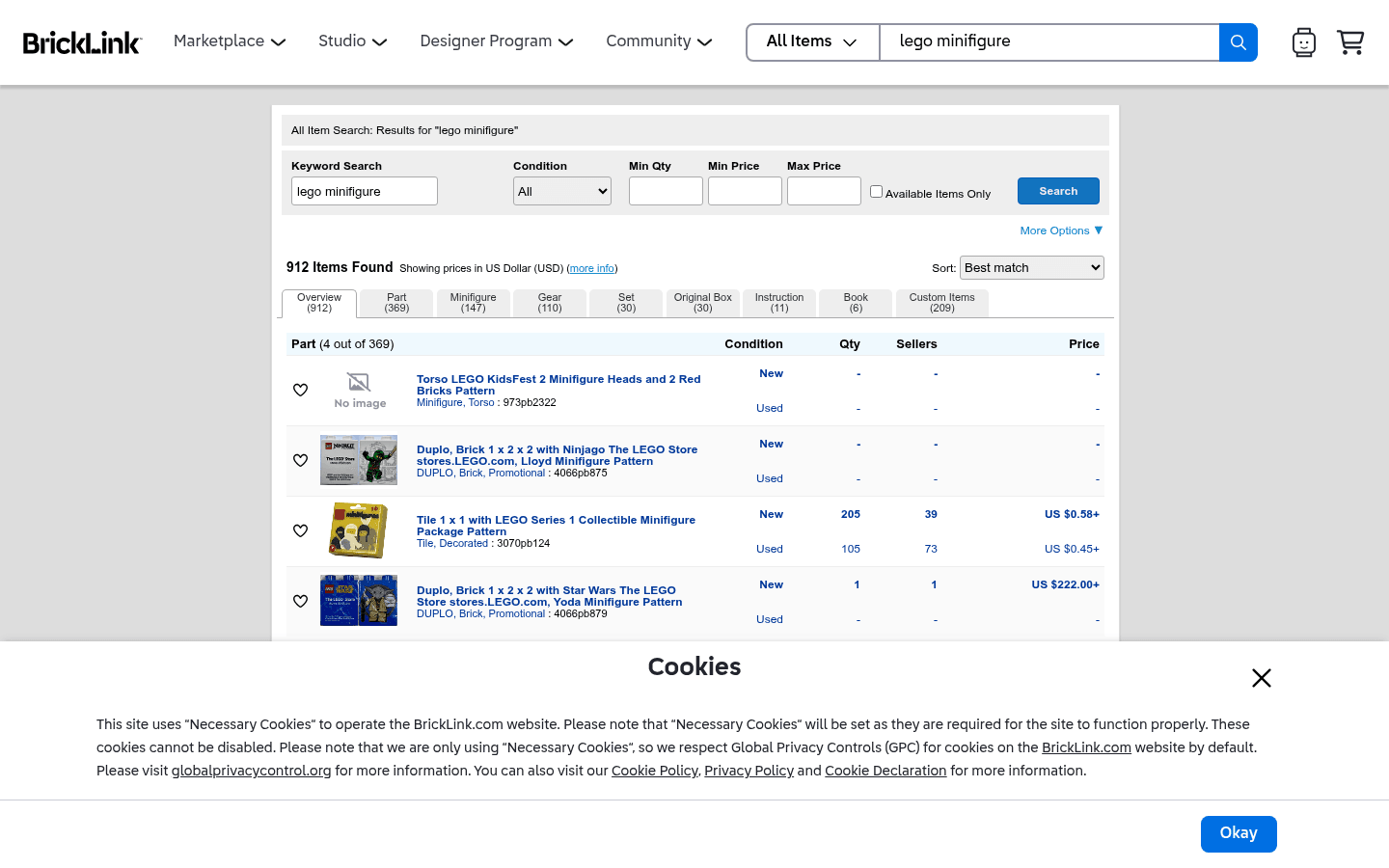
Before choosing where to sell, it helps to see the difference between a live-selling marketplace, a broad search marketplace, a LEGO-native catalog, and a social or local channel. These screenshots are visual references only. Platform interfaces, fees, and rules can change.

CTA(Identify%20and%20Price%20100%2B%20Figures%20With%20One%20Pic).png)

