


The fastest way to grow a LEGO Instagram account for reselling is to shoot clean, well lit flat lays and close ups that make a minifigure or set look like a tiny product shoot, then post consistently and tag the right LEGO hashtags so people who already collect can find you. You do not need studio gear. I started with a phone, a window, and a piece of white foam board, and that was enough to get people commenting and asking to buy.
In my experience, the sellers who build real followings on Instagram are not the ones with the fanciest cameras. They are the ones who show up often, keep their lighting consistent, and make every photo answer the question a buyer is already asking: what is this, what condition is it in, and is it worth following this account for more. This guide walks through the gear, lighting, photo ideas, editing, and hashtag strategy I would recommend to anyone trying to turn a LEGO Instagram page into an actual sales channel.
- Shoot flat lays near a window using natural light, not overhead room lighting
- Use a plain background (foam board, poster board, or a plain sheet) to keep the focus on the bricks
- Edit on your phone with simple brightness and contrast tweaks, nothing heavy handed
- Mix static photos with short stop motion clips to boost engagement
- Post consistently and use a small, specific set of LEGO hashtags rather than broad generic ones
Why Does LEGO Photography Matter If You're Reselling on Instagram?
Good photography matters because Instagram is a visual marketplace where buyers decide whether to follow, comment, or ask about price within a few seconds of seeing a photo. A sharp, well lit shot of a minifigure or set signals that you handle inventory carefully, which builds the kind of trust that turns casual followers into repeat buyers.
I've sold LEGO on several platforms, and Instagram is the one where trust is built almost entirely through visuals and consistency, since there are no public reviews like you'd find on a marketplace. When I posted clear, well lit photos consistently, people started recognizing my page before they even checked who was selling. That recognition is worth more than any single sale.
What Equipment Do You Need for LEGO Flat Lay Photography?
You need very little to start good LEGO flat lay photography: a smartphone camera, a source of natural light, and a plain background. A $10 to $20 piece of foam board from a craft store and a spot near a window will outperform expensive gear used in bad lighting almost every time.
Here is a simple breakdown of the setup I use and recommend to sellers who ask me how to get started:
| Item | Purpose | Rough Cost |
|---|---|---|
| Smartphone with a decent rear camera | Main shooting device | Already owned by most people |
| White or light gray foam board | Clean, distraction free background | $10 to $20 |
| Small tripod or phone stand | Keeps flat lays level and sharp | $15 to $25 |
| Clip on ring light (optional) | Fill light on cloudy days or at night | $20 to $35 |
I personally still shoot most of my flat lays with just a phone and a window. The extra gear helps on inconsistent days, but it is not what makes a photo good.
How Should You Light LEGO Minifigure Photos for Instagram?
The best light for LEGO minifigure photography is soft, indirect daylight from a window, shot around midday or in the hour or two after sunrise, since harsh direct sun creates blown out highlights and hard plastic glare. Overcast days actually work in your favor because clouds diffuse the light evenly.
From what I've learned shooting hundreds of minifigures for listings and for Instagram, direct overhead ceiling lights are the number one reason beginner LEGO photos look flat and yellow. Move your setup next to a window, turn off the overhead light, and the color accuracy improves instantly. If you shoot at night, a $20 to $35 clip on ring light angled from the side avoids the harsh flash look that makes plastic look cheap.
What Are the Best LEGO Photo Ideas for Growing an Instagram Following?
The photo ideas that consistently grow a LEGO Instagram following are flat lays grouped by theme, close up character shots, before and after restoration posts, and short clips that show scale next to a hand or coin. Variety keeps your feed interesting while still feeling recognizable as one account.
A checklist I would recommend running through before you plan a week of posts:
- At least one themed flat lay (Star Wars, Marvel, Ninjago, or whatever you're sourcing that week)
- One close up "hero shot" of a single standout minifigure or set
- One restoration or cleanup post if you deal in damaged or dirty inventory
- One scale reference shot (minifigure next to a coin or hand)
- One behind the scenes shot of your sorting, scanning, or packing process
I noticed that restoration and before and after posts get disproportionate engagement, since people love seeing a dirty, incomplete figure turned into something clean and complete. If you're rebuilding a set and need missing pieces, brick'em's minifigure database is a fast way to confirm exactly what a figure should include before you shoot the finished version.
How Do You Edit LEGO Photos on Mobile Without Overdoing It?
Mobile LEGO photo editing should stay subtle: a small bump in brightness, a touch more contrast, and a slight crop to remove distractions, nothing that changes the actual color of the bricks. Buyers need to trust that the photo matches the real condition of the item, so heavy filters work against you.
I use the basic editing tools built into my phone's photo app for almost everything. I will straighten the horizon, pull up shadows slightly, and crop tight. I avoid saturation boosts because they can make plastic look like a different color than it actually is, which causes problems if a buyer asks about color accuracy later.
Is LEGO Stop Motion Worth Trying on Instagram?
LEGO stop motion is worth trying if you want to stand out, since Instagram's algorithm tends to favor video content and stop motion gets attention precisely because most sellers only post static photos. It takes longer to produce, so it works best as an occasional feature rather than your everyday content.
I would recommend starting small: a five to ten second clip of a minifigure "walking" across a flat lay or a set assembling itself piece by piece. You do not need special software. Most phone camera apps now have a built in stop motion mode, and a short, rough clip often outperforms a polished static photo for engagement.
Which LEGO Hashtags Actually Help You Get Discovered?
The LEGO hashtags that actually help are a mix of broad community tags and narrower theme or seller specific tags, since broad tags get you into a bigger pool while narrow tags get you in front of people actively searching for exactly what you're posting. Using the same five to ten tags every time also helps the algorithm learn what your account is about.
In my experience, a good mix looks like two or three broad community tags, two or three theme specific tags tied to what's in the photo, and one or two tags aimed at buyers and sellers specifically. Avoid stuffing dozens of unrelated tags into a single post. It reads as spammy and does not meaningfully increase reach once you're past a handful of well chosen ones.
How Do You Turn an Engaged LEGO Instagram Following Into Sales?
You turn followers into buyers by being consistent enough that people recognize your account, then making it simple and safe for them to actually purchase, whether that is through story posts, direct messages, or linking out to where you sell. Trust built through regular, honest photos is what makes people comfortable sending payment to someone they have never met in person.
I posted an Instagram story once with around 700 followers and sold $700 of LEGO to three different buyers in about 20 minutes, just from people who already trusted the account from seeing consistent posts. I recommend PayPal Goods and Services for these kinds of direct sales, since it protects both sides better than a straight friends and family payment. Over five months of consistently posting and engaging, I grew one account past 3,000 followers and past $30,000 in total LEGO sales, and almost none of that came from paid ads.
If you're trying to figure out what your current inventory is actually worth before you decide what to photograph and push first, brick'em's collection value calculator and haul calculator are both useful for prioritizing which pieces deserve the best photos. And if you want the scanning and pricing workflow that most of this content is built around, you can sign up for brick'em to see how it fits into your own routine. You can also browse more reselling guides on the brick'em blog for platform specific breakdowns.
Heads up: This is not financial or legal advice. We're sharing what we've learned from the LEGO reselling community.
Platforms matter too, even though this guide is focused on Instagram. A LEGO Instagram following pairs well with BrickLink for pricing accuracy, eBay for broad buyer demand, Whatnot for live selling, Mercari as another resale option, and Facebook Marketplace for sourcing locally. None of these replace Instagram. They work alongside it once you've built an audience that trusts your photos.
Frequently Asked Questions
Do I need a DSLR camera to do LEGO Instagram photography well?
No, you do not need a DSLR. Most LEGO Instagram accounts that grow well are shot entirely on smartphones. What actually matters is lighting and consistency, not camera specs. A phone with a clean lens, good natural light, and a steady hand will outperform a nicer camera used carelessly almost every time.
How often should I post LEGO photos to grow my following?
Posting three to five times a week tends to work better than posting daily inconsistently, then disappearing for weeks. In my experience, steady and predictable beats frequent and sporadic. Followers start to expect your content, which keeps them checking back, and that habit is what eventually turns into comments, messages, and sales.
What background works best for LEGO flat lay photography?
A plain, light colored background like white or light gray foam board works best because it keeps attention on the minifigures or bricks instead of the surface underneath. Busy patterned backgrounds or wood grain can clash with LEGO colors and make photos feel cluttered, which hurts how the actual pieces read in the shot.
Can I grow a LEGO reselling account on Instagram without showing my face?
Yes. I built a following and real sales without ever showing my face on camera, relying entirely on product photography, flat lays, and consistent posting. Showing your face can help some sellers build trust faster, but it is not required if your photography and captions are clear, consistent, and genuinely helpful.
Do hashtags still matter for LEGO Instagram growth?
Yes, hashtags still help, though less than they did a few years ago. A focused set of five to ten relevant LEGO and reseller hashtags helps the algorithm and new searchers find your content. What matters more now is consistency and engagement, so treat hashtags as a small boost rather than your main growth strategy.
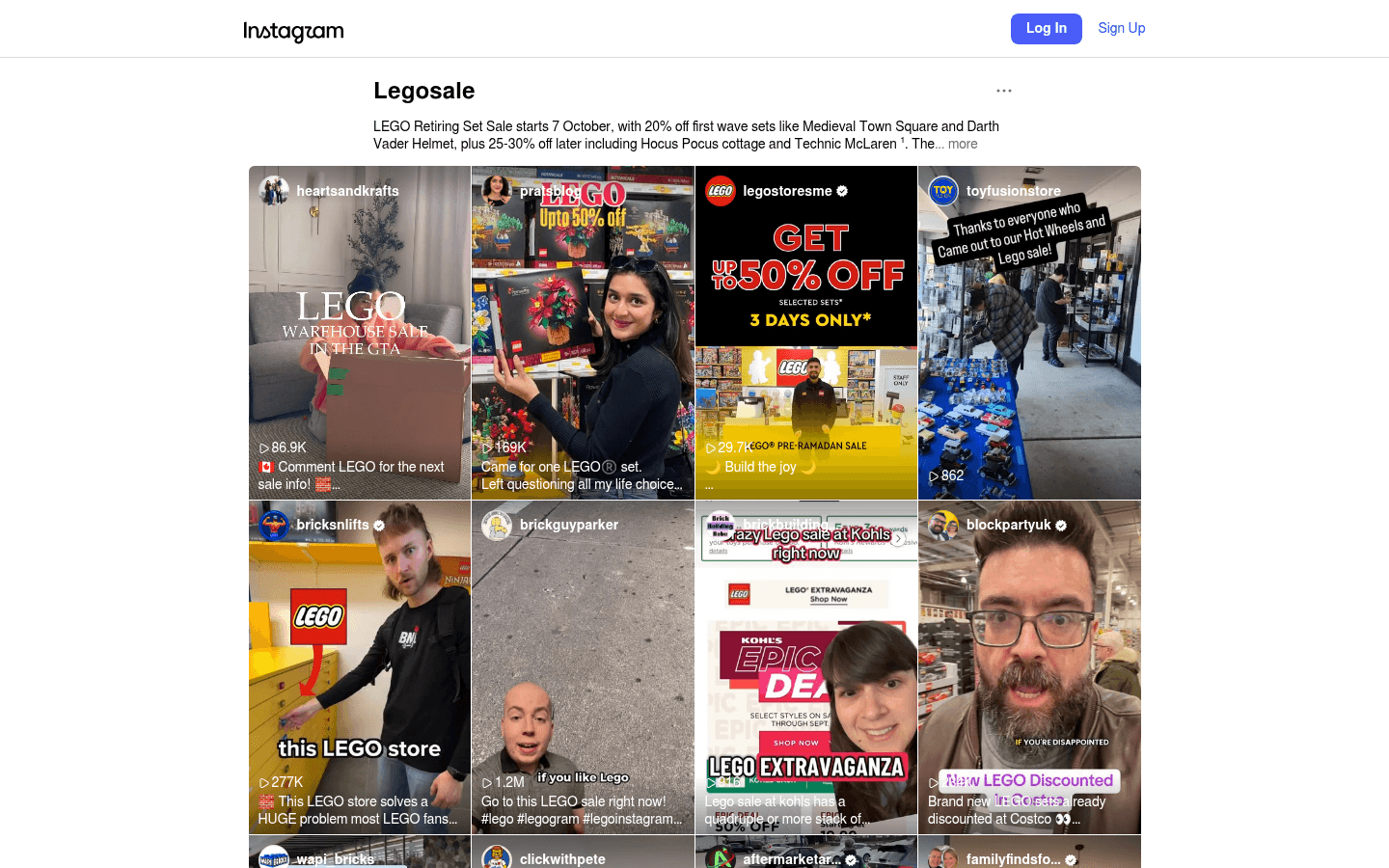
What Do These LEGO Selling Platforms Look Like?
Before choosing where to sell, it helps to see the difference between a live-selling marketplace, a broad search marketplace, a LEGO-native catalog, and a social or local channel. These screenshots are visual references only. Platform interfaces, fees, and rules can change.
.png)

